Medication Reminders on iPhone: Notifications vs Alarms
Compare medication notifications and alarms on iPhone. See how MioPulse keeps both connected to one schedule and how to enable reminders.
MioPulse · Coming to iPhone
Set the times from your prescribed schedule. MioPulse brings the current intake into focus and keeps the next one in view.
Use medication push notifications and, on supported devices, system alarms. Their settings are independent, so enabling one does not require turning the other off.
NOW shows the current intake, NEXT shows what follows, and ALL SET confirms when the current tasks are handled. Past missed items remain available separately.
The alarm planner reconciles scheduled signals with changes to medication plans. Record a taken or skipped intake and return to the next relevant task.
System alarms currently require iOS 26 or later and permission. Notification delivery depends on device settings and the selected channel. MioPulse does not guarantee that every dose will be taken.
Explore all MioPulse features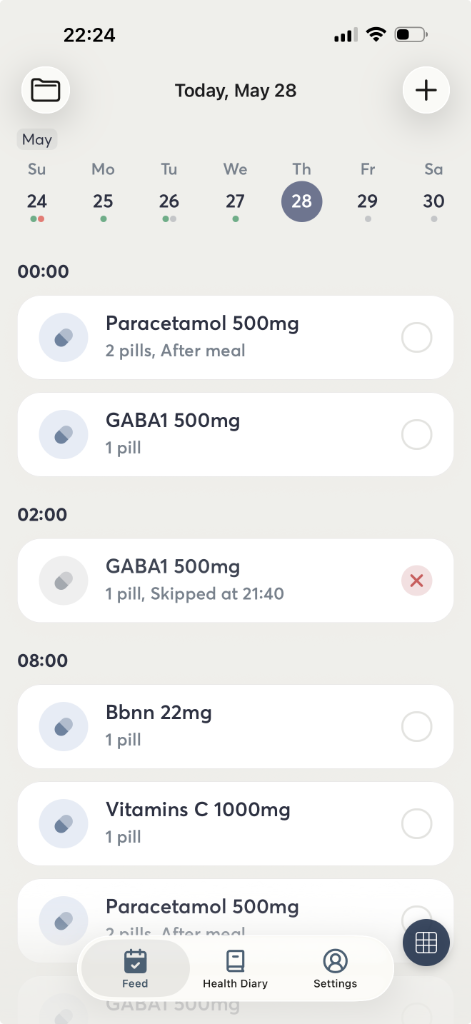

MioPulse is coming to iPhone. In the meantime, explore practical ways to organize your medications and health records.
Explore the articles